



Model Context Protocol (MCP): How Claude Connects to Tools, Data and Systems
What Is the Model Context Protocol (MCP)
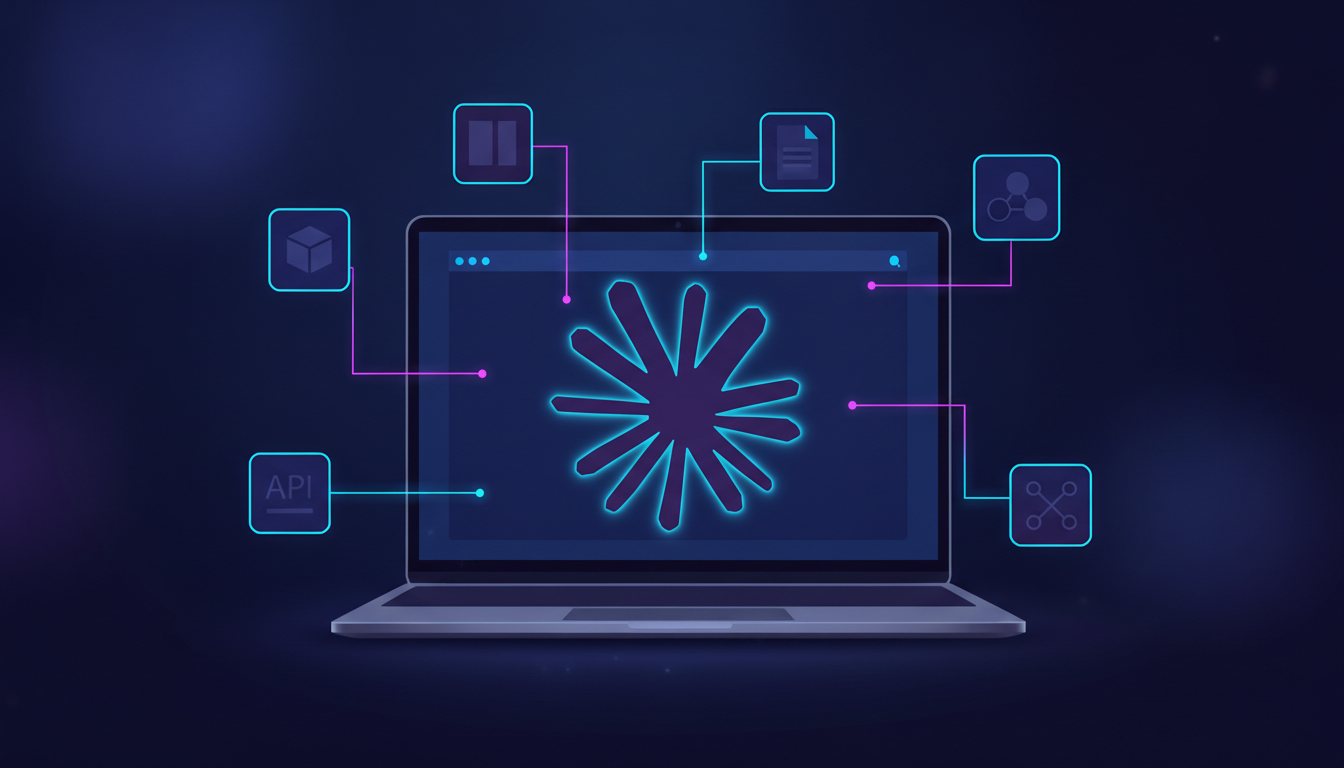
The Model Context Protocol, or MCP, is an open protocol developed by Anthropic to standardize how large language models like Claude connect to external tools, APIs, files, and services.
Instead of hard-coding integrations or relying on brittle prompt engineering, MCP defines a structured, inspectable interface between a model and the systems it can interact with.
In practice, MCP allows Claude to reason over and safely use external capabilities such as file systems, databases, internal APIs, developer tools, and third-party SaaS platforms, while keeping those capabilities explicitly defined and controlled.
Why MCP Exists
As AI systems move beyond chat and into real software workflows, models need access to live data and operational tools. Prior approaches typically fall into one of three categories:
- Custom plugins with proprietary schemas
- Prompt-based tool instructions embedded in text
- Application-specific function calling implementations
These approaches scale poorly, are hard to audit, and make portability between models and environments difficult.
MCP addresses this by introducing a protocol-level abstraction for context and tools, rather than embedding that logic inside prompts or application code.
Core Concepts of MCP
MCP Servers
An MCP server exposes tools, resources, or capabilities that a model can access. Each server defines:
- What tools are available
- What inputs they accept
- What outputs they return
- What permissions apply
Servers can wrap anything from a local filesystem to a cloud API or a third-party SaaS product.
MCP Clients
An MCP client is the environment that connects a model to one or more MCP servers. Claude Desktop and Claude Code act as MCP clients, brokering access between Claude and registered servers.
The client controls which servers are available and under what conditions.
Tools and Resources
MCP distinguishes between different types of context:
- Tools, which are callable actions
- Resources, which are retrievable data objects such as files or records
Both are described using explicit schemas so the model understands how to interact with them safely and predictably.
How MCP Works in Practice
At a high level, MCP follows a structured interaction loop:
- The client registers one or more MCP servers
- Each server publishes its available tools and resources
- Claude reasons about when a tool is relevant
- The client mediates the call and returns the result
- Claude incorporates the result into its response
This design keeps decision making with the model, execution with the client, and authority with the server.
Using MCP with Third-Party Tools
One of the most practical aspects of MCP is how easily it connects Claude to widely used third-party platforms using standardized servers.
Most integrations follow the same pattern:
- A third-party provider exposes an MCP server
- The developer registers that server using the Claude CLI
- Claude gains structured access to search, read, or update data
Below are common examples.
Notion
Notion provides an MCP server that allows Claude to search pages, retrieve content, update documents, and support workflows that span multiple tools.
Typical use cases include:
- Searching internal knowledge bases
- Updating project documentation
- Generating summaries or structured notes
Example command:
claude mcp add --transport http notion https://mcp.notion.com/mcpOnce connected, Claude can reason over Notion content as a first-class resource instead of relying on pasted text.
GitHub
A GitHub MCP server allows Claude to interact with repositories, issues, pull requests, and files.
Common workflows include:
- Reading and summarizing codebases
- Reviewing pull requests
- Creating or updating issues
Example pattern:
claude mcp add github https://mcp.github.comThis enables Claude to operate with repository context while respecting access permissions defined by the client.
File Systems and Local Resources
MCP can expose local or sandboxed file systems to Claude, which is especially useful for developer workflows.
Use cases include:
- Reading configuration files
- Analyzing logs
- Generating or modifying local assets
Example:
claude mcp add filesystem ./project-directoryThis keeps file access explicit and scoped, avoiding unrestricted model access to the environment.
Custom Internal APIs
Organizations can expose internal services as MCP servers, allowing Claude to interact with proprietary systems without embedding credentials or logic in prompts.
Typical examples include:
- Querying internal dashboards
- Fetching operational metrics
- Triggering controlled automation tasks
Because MCP servers define schemas and permissions, these integrations remain auditable and governed.
MCP vs Traditional Tool Calling
Key Benefits of MCP
Clear Separation of Concerns
MCP separates reasoning from execution. The model decides what to do, but the environment decides what is allowed.
This separation is critical for security, auditing, and compliance.
Composability Across Tools
Multiple MCP servers can be connected simultaneously. A single Claude session can interact with third-party tools and internal systems without custom glue code for each integration.
Inspectability and Governance
Because tools are explicitly defined and exposed, teams can review what data a model can access, what actions it can perform, and how those actions are structured.
This is particularly important in enterprise and regulated environments.
Reduced Vendor Lock-In
MCP is model-agnostic by design. Although currently associated with Claude, the protocol itself is not tied to a single model or platform.
This reduces integration risk over time.
Security and Access Control
MCP does not grant models direct access to systems. All access flows through the client and server layer.
This allows teams to enforce:
- Read-only vs write permissions
- Environment-level restrictions
- Audit logging of tool usage
The protocol supports least-privilege access by default.
MCP and Agentic Workflows
As agentic systems become more common, models increasingly need structured ways to observe state, act on systems, and reason over results.
MCP treats tools and data sources as first-class components rather than prompt artifacts, making it well suited for agent-driven architectures.
Final Thoughts
The Model Context Protocol provides a scalable approach to connecting language models with real systems.
By standardizing how tools and data are exposed, MCP reduces integration complexity while improving security, clarity, and long-term maintainability.
For teams building AI-powered developer tools, internal copilots, or operational assistants, MCP is becoming an essential concept to understand.