



Google Antigravity Review: Everything You Need to Know About Google’s AI First IDE
Understanding Google Antigravity as an Agent First IDE
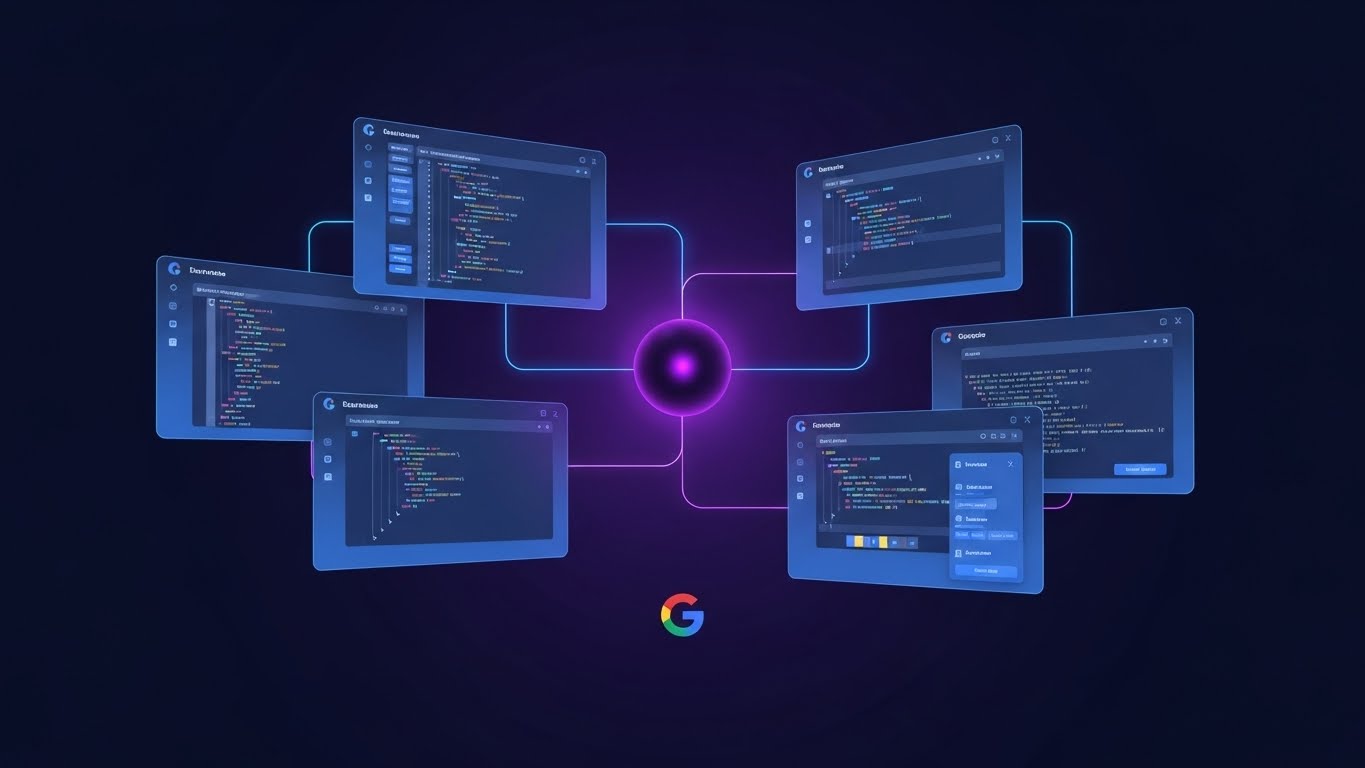
Traditional AI coding tools behave like enhanced autocomplete systems. They wait for user prompts and produce suggestions or code completions. Antigravity shifts this dynamic. Its design centers on autonomous agents that manage multi step workflows, gather context from multiple sources, and return structured results known as Artifacts.
This agent first structure changes how developers interact with their tools. Instead of asking for a simple code snippet, developers assign missions such as refactoring an entire module, generating tests, updating dependencies, or analyzing documentation. The agent coordinates editor actions, terminal commands, and browser research without requiring repetitive manual prompting.
Key Features of Google Antigravity
Dual View Architecture: Editor and Manager
Antigravity introduces two distinct modes.
- Editor View
A standard IDE interface where developers write and review code. An AI agent remains available in a side panel for contextual tasks. This view feels familiar to users of tools like Cursor or Copilot Chat. - Manager View
A mission control dashboard where multiple agents can be created, supervised, and organized. This is designed for larger or asynchronous tasks that span multiple files or services.
The combination aims to support both granular editing and high level project orchestration.
Artifacts for Verifiable Agent Work
One of the most important innovations in Antigravity is the Artifact system. Instead of producing only raw logs, agents create structured, human readable summaries that document what they did and why. Artifacts can include:
- Implementation plans
- Summaries of changes
- Terminal outputs
- Browser based inspections
- Screenshots or structured notes
This improves reviewability and trust, especially in team environments.
Direct Access to Editor, Terminal, and Browser
Antigravity agents can interact with:
- The editor to open files, refactor code, and insert new blocks
- The terminal to run builds, tests, linters, and dev scripts
- The browser to consult documentation or validate front end changes
This tri tool integration allows multi step tasks to run end to end within a single mission.
Multi Model Support
Although optimized for Gemini 3 Pro, Antigravity is built to work with additional models. Early information indicates support for selected third party models and some open models. This allows developers to switch models based on performance, cost, or preference.
Public Preview and Platform Availability
Antigravity is currently in public preview and available on macOS, Windows, and modern Linux distributions. During this preview period it runs with free but rate limited access to Gemini 3 Pro.
How Google Antigravity Compares to Other AI Coding Tools
Antigravity enters an expanding ecosystem that includes Cursor, GitHub Copilot, Gemini tools, and various IDE plugins. Its primary differentiator is its built in multi agent orchestration and structured mission workflow.
Here is a simple comparison:
Antigravity sits at the far end of the autonomy spectrum, serving as a reference platform for agent based software development.
Practical Use Cases for Developers and Teams
For Individual Developers
- Rapid prototyping of apps or components
- Automated refactoring and cleanup missions
- End to end test generation workflows
- Research augmented coding tasks using the integrated browser
For Engineering Teams
- Codebase wide dependency updates
- Framework migrations managed by agents
- Documented multistep platform changes using Artifacts
- Faster onboarding through agent produced summaries
For Large or Long Lived Systems
- Scheduled maintenance tasks
- Continuous documentation regeneration
- Regression testing and validation using agent missions
Limitations and Considerations
As a public preview product, Antigravity is evolving. Teams should consider:
- Potential instability during early releases
- Dependency on Gemini 3 infrastructure
- The need for internal policies that define what agents are allowed to modify
- Security controls for agent access to terminals and browsers
- Review processes to ensure responsible use of autonomous actions
Even with these considerations, Antigravity provides an early look at how automated development environments may work in the near future.
Getting Started With Google Antigravity
A typical onboarding flow includes:
- Install the Antigravity IDE for your operating system
- Sign in and activate available models
- Open or create a project
- Use the Editor view for local tasks
- Experiment with missions in the Manager view
- Define team conventions for using Artifacts and agent autonomy
Once these elements are in place, developers can begin assigning complex tasks that span code, tests, documentation, and tooling.
The Future of Agentic Development
Google Antigravity marks an important shift toward agent first software engineering. It suggests a future where coding tools are not only reactive assistants but autonomous operators capable of managing large parts of a project lifecycle.
As models improve and developer workflows mature, platforms like Antigravity may become the default environment for building and maintaining software. Understanding how this IDE works today prepares developers for a future where AI agents become essential teammates in the engineering process.